
How to Get Better Audio When Filming Videos
People forgive average footage. They won't sit through bad sound. Here's how to record clean audio on site and fix it in the edit.
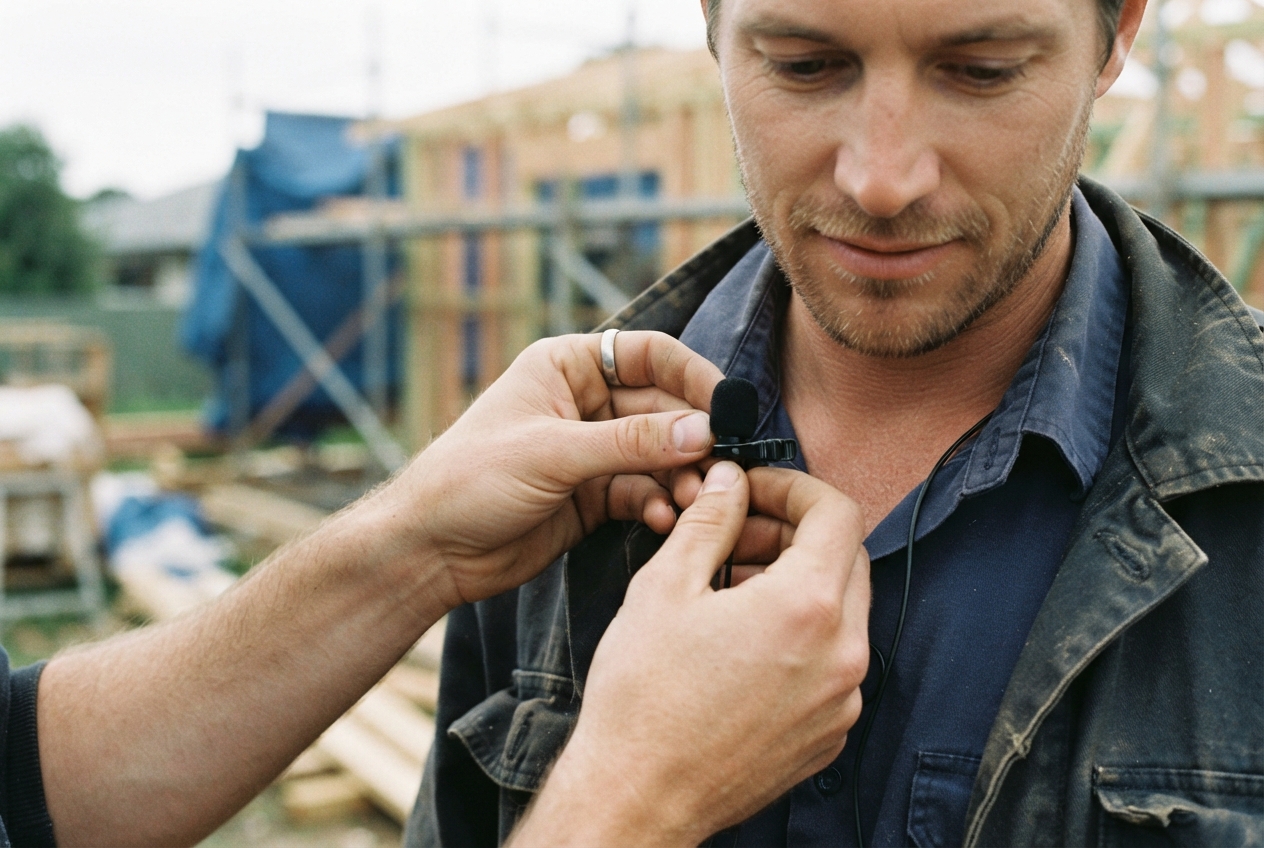
Here's something most people learn the hard way: viewers will put up with slightly soft footage, but they'll scroll straight past bad audio.
Wind, echo, a generator in the background, someone mumbling three metres from the phone. It all kills a good video. The good news is that better sound is mostly about technique, not expensive gear.
Why Audio Matters More Than You Think
Your message lives in the audio. If people can't hear what's being said, they can't trust it. Poor sound also makes your business look less professional, even when the work on screen is excellent.
Common Problems That Turn Viewers Off
- Background noise drowning out the speaker
- Echo that makes it sound like a bathroom
- Volume too low, or jumping around
- Wind noise and rumble
- Distorted, crackly peaks
The Challenges You'll Hit on Site
Background Noise That Never Stops
Saws, compressors, traffic, radios, reversing beepers. Job sites are loud. You can't always stop it, but you can work around it.
Echo in Empty Rooms
Unfinished rooms with hard walls and floors bounce sound everywhere. That hollow, echoey sound is hard to fix later.
Low and Jumpy Levels
When the mic is too far away, voices sound thin. When someone gets excited, levels spike and distort.
Why It Matters for Your Workflow
Bad audio means re-shoots, longer edits or unusable content. Getting it right on the day saves hours later.
Essential Gear for Better Audio
External Microphones
- Wireless lavalier (clip-on) mics: the best all-rounder for interviews and talking to camera. Small, affordable and they sit close to the mouth.
- On-camera shotgun mics: good for general sound and close-up talking, less good at distance.
- Phone plug-in mics: a cheap and easy upgrade if you mostly film on your phone.
Recorders and Interfaces
A small separate recorder gives you a backup and better quality. Handy for important interviews or testimonials.
Accessories That Help
- Windscreens ("dead cats"): essential outdoors.
- Headphones: so you can actually hear what you're recording.
- Moving blankets: cheap and great for soaking up echo indoors.
How to Capture Clean Audio on the Day
Get the Mic Close
Closer is better. A clip-on mic should sit on the chest, about a hand's width below the chin. Hide the cable and keep it away from rustling clothes.
Control the Room First
Turn off radios, fans and fridges where you can. Ask the crew for a quiet five minutes. Shut doors and windows.
Choose Locations With Your Ears
Before you choose a spot because it looks good, listen. A slightly less pretty spot with clean sound will make a better video. Furnished rooms, with soft surfaces, sound better than empty ones.
Monitor While You Record
Wear headphones and listen as you film. Do a quick test recording and play it back before the real take. It's the single best habit you can build.
Simple Editing Fixes
Tidy the Track
Cut out coughs, long pauses, bumps and false starts.
Balance Levels
Voices should sit clearly above music and background sound. Keep levels consistent across clips so viewers aren't reaching for the volume.
Reduce Noise Gently
Most editors have a noise reduction tool. Use it lightly. Pushing it too hard makes voices sound robotic and underwater.
Sync External Audio
If you recorded on a separate mic or recorder, sync it to the video using the waveform or a clap at the start of each take.
Audio for Social Content
Keep a Consistent Sound
Same mic, similar music style and similar levels across your videos. It makes your content feel considered and recognisable.
Plan for How People Listen
Many watch on mute, so add captions. Others listen through tiny phone speakers or earbuds, so keep voices clear and music low.
Test Before You Publish
Play your final video on a phone speaker and through earbuds. If it's clear on both, you're good to go.
What to Do This Week
- Buy a decent wireless clip-on mic and a windscreen.
- Do a test recording in your usual filming spots.
- Start wearing headphones when you record.
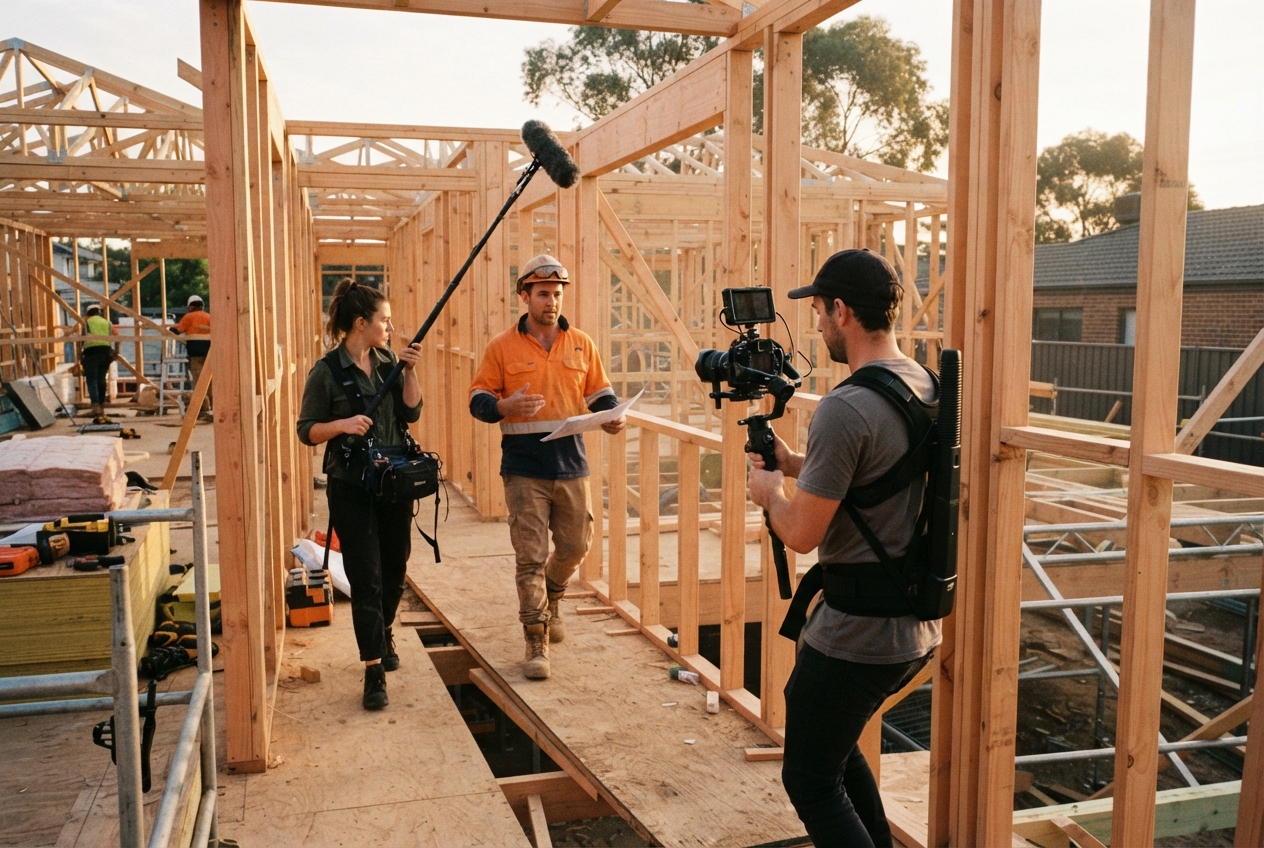
Small changes make a massive difference. And if you'd rather leave the sound, lights and camera to someone else, that's what we do. Our video and social content production covers everything from planning to final edit.
Want to talk it through? Get in touch.
Want us to find the stories for you?
We bring the ideas, direction and production. You keep doing great work.
Keep reading.
All resources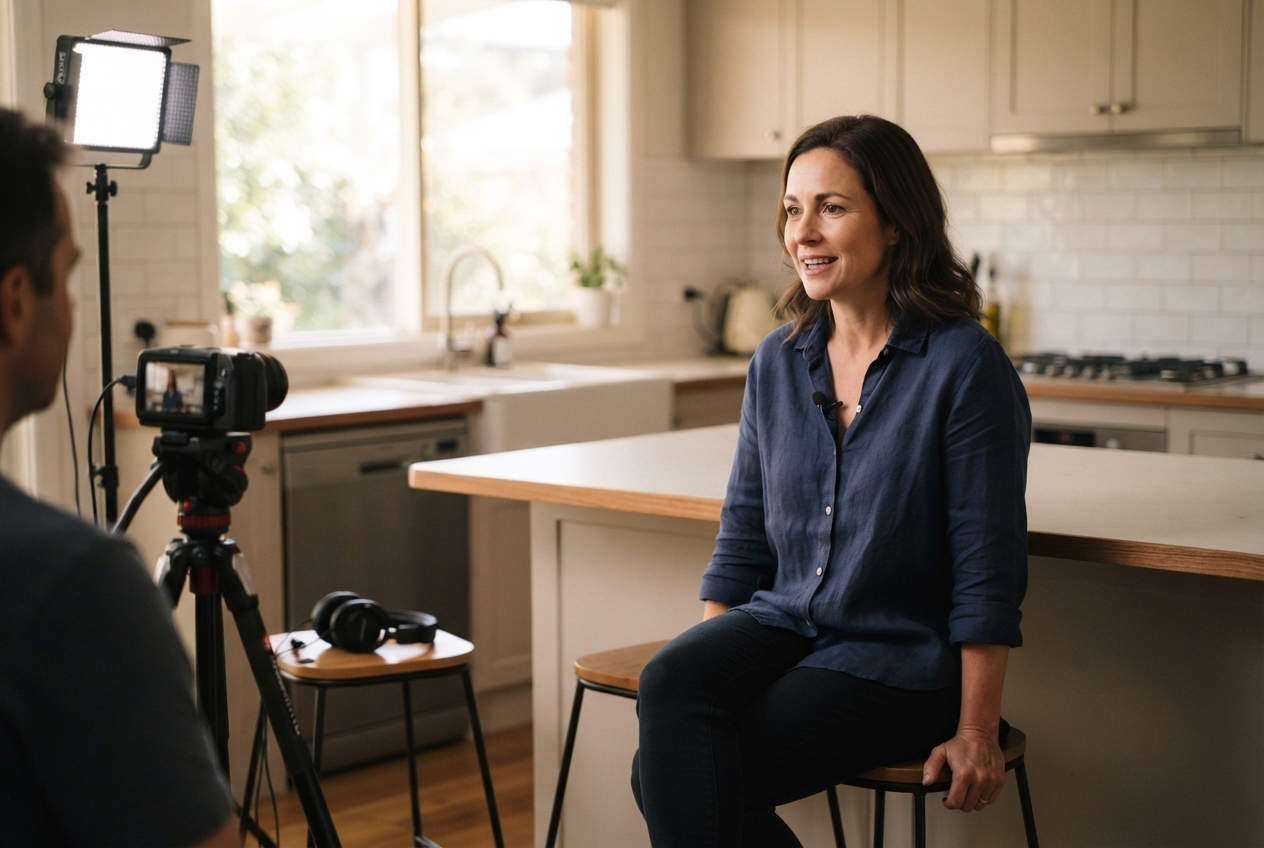
Rather we just do it for you?
We bring the ideas, direction and production. You keep doing great work.