
How to Use Video on Your Business Website (So It Actually Wins Work)
Which videos to put on your website, where they belong, and how to keep them fast, watchable and working for enquiries.
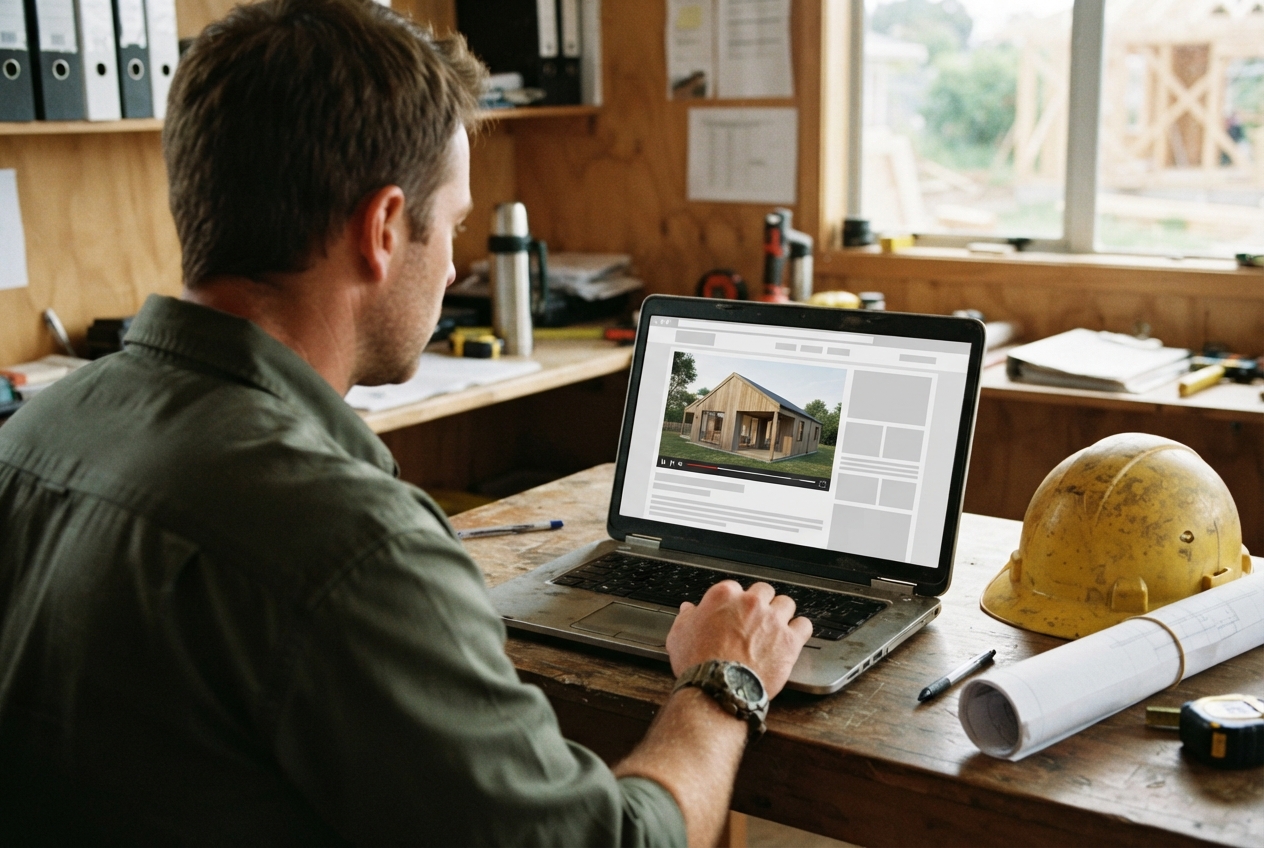
Most business websites say the same things. Quality work. Great service. Years of experience.
Video is how you prove it. A minute of real footage from a real job does more than a page of copy, because people can see your work, your team and how you operate before they ever pick up the phone.
But video only helps if it's the right video, in the right place, loading properly. Here's how to get that right.
The Right Types of Video for a Business Website
Core Videos That Earn Their Place
- A brand or company film. Who you are, what you do and why people choose you. Usually 60 to 120 seconds.
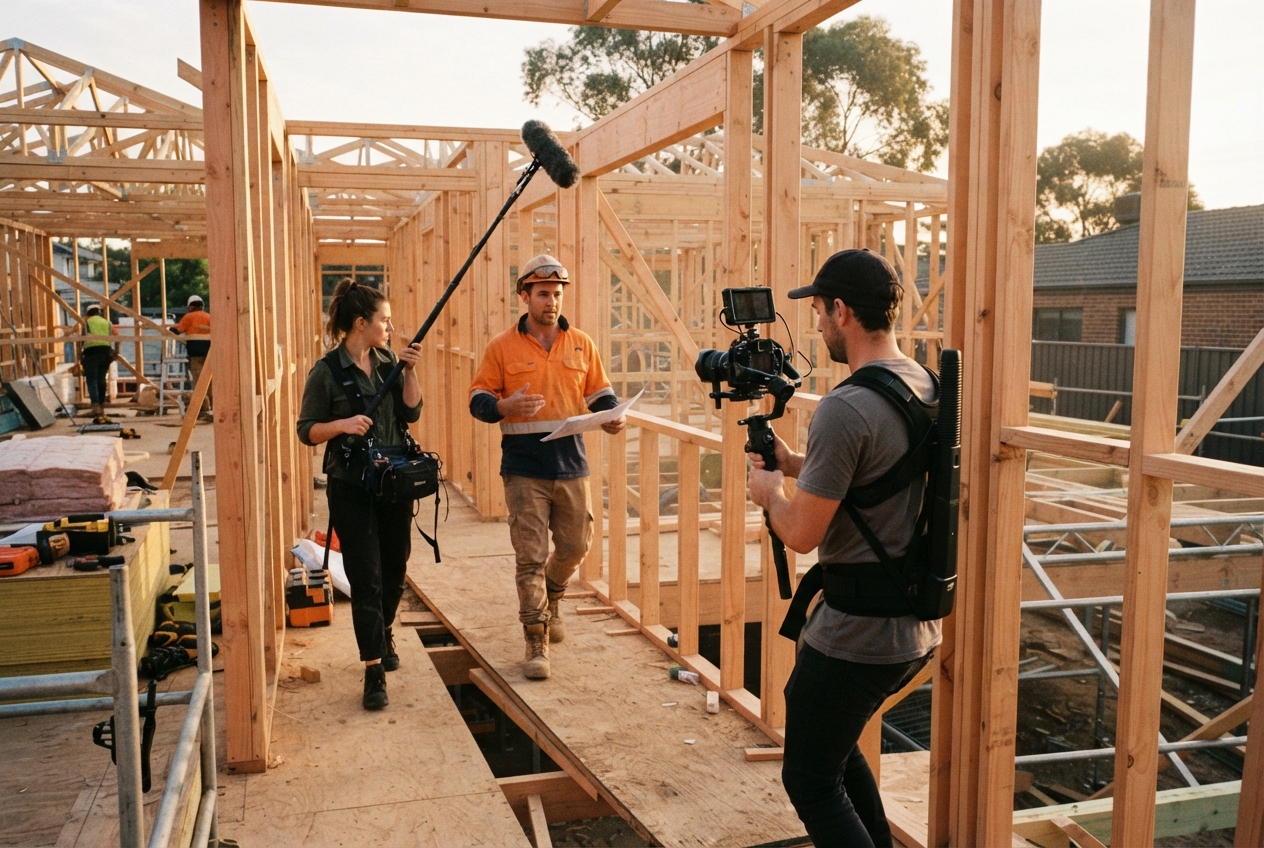
- Project showcases. Before, during and after. The single most convincing thing a trades or construction business can show.
- Customer testimonials. Real clients, in their own words. See our testimonial interview questions for how to get good answers.
- Process or explainer videos. What working with you actually looks like, step by step.
- Team and recruitment videos. Who turns up on site, and why good people want to work for you.
Match the Video to the Goal
Start with what the page needs to do. Then pick the video.
- Build trust fast: brand film and testimonials.
- Show capability: project showcases and case studies.
- Reduce hesitation: process videos that answer the questions people ask before they enquire.
- Hire better people: team and culture videos on your careers page.
Not sure what to film first? Our guide to types of corporate videos breaks down the options.
Planning Videos That Work
Give Every Video One Job
One video, one purpose. A home page film that tries to explain every service, show every project and pitch for staff ends up doing none of it well.
Keep It Short and Plainspoken
Talk like you would on site. No corporate script, no buzzwords. Lead with the most interesting thing in the first few seconds, then get out of the way.
Stay Consistent With Your Brand
Same tone, same colours, same style of edit across every video. It makes your site feel considered rather than pieced together.
Nail the Basics
- Clear audio matters more than fancy cameras. People forgive soft footage. They won't sit through bad sound.
- Good natural light.
- Steady shots.
- Real people and real jobs, not stock footage.
Keep It Fast and Easy to Watch
Host It Properly
Don't upload big raw files straight to your site. Use a proper host like YouTube, Vimeo or your website platform's video hosting, so it streams at the right quality for each device and doesn't slow the page down.
Design for Mobile First
Most people will find you on their phone. Check every video plays well on a small screen, with captions readable and the important action in the centre of the frame.
Autoplay Carefully
- Background loops: short, silent, no important info. Fine to autoplay muted.
- Main videos: let people choose to press play. Never autoplay with sound.
- Always give people the controls.
Make It Accessible
Add captions. Most people watch with the sound off, and it helps anyone who's hard of hearing. Use a clear thumbnail and a short line of text explaining what the video is about.
Where Video Belongs on Your Website
Home Page and Service Pages
Put your brand film near the top of the home page. On each service page, use a short video showing that service in action. Real proof, right where people are deciding.
Projects and Case Studies
Every project page is a chance to show the job, not just describe it. Pair the video with a short write-up of the brief, the challenge and the result.
Landing Pages and Enquiry Paths
If you run ads, the landing page should carry a video that matches the ad. Put testimonials close to your contact form, where people are making the final call.
Thumbnails, Calls to Action and Supporting Copy
- Choose a thumbnail that shows a face or finished work, not a blurry mid-frame.
- Add a clear next step under each video: get a quote, book a call, see more projects.
- Write a short summary next to it, so search engines and skimmers understand it too.
If your current site makes this hard, it might be time for a website built around your work.
Promoting and Measuring Your Website Videos
Get More Eyes on Them
- Share cut-downs on social and link back to the full version.
- Use them in email signatures, quotes and proposals.
- Run them as ads that point to the matching page. Our paid advertising team does exactly this.
Measure What Matters
Views are nice. Enquiries are better. Keep an eye on:
- How long people watch.
- Whether pages with video get more form fills and calls.
- Time on page and which pages people visit next.
Keep Your Video Library Fresh
Review It Regularly
Every six months, ask: is this still accurate? Is this still our best work? Does it still match what we sell?
Keep It Organised
Name files clearly and keep a simple list of what's live and where. It saves a lot of hunting later.
Protect Site Speed
As your library grows, keep using a host, lazy-load videos further down the page, and remove anything outdated.
Stay Current
Your work changes. Your website should too. An ongoing video partnership keeps new projects flowing onto your site without you having to think about it.
Start With One Good Video
You don't need a library on day one. Start with a brand film on the home page and a project video on your best service page. Then build from there.
Want help working out what your site needs? Book a discovery call and we'll take a look.
Want us to find the stories for you?
We bring the ideas, direction and production. You keep doing great work.
Keep reading.
All resources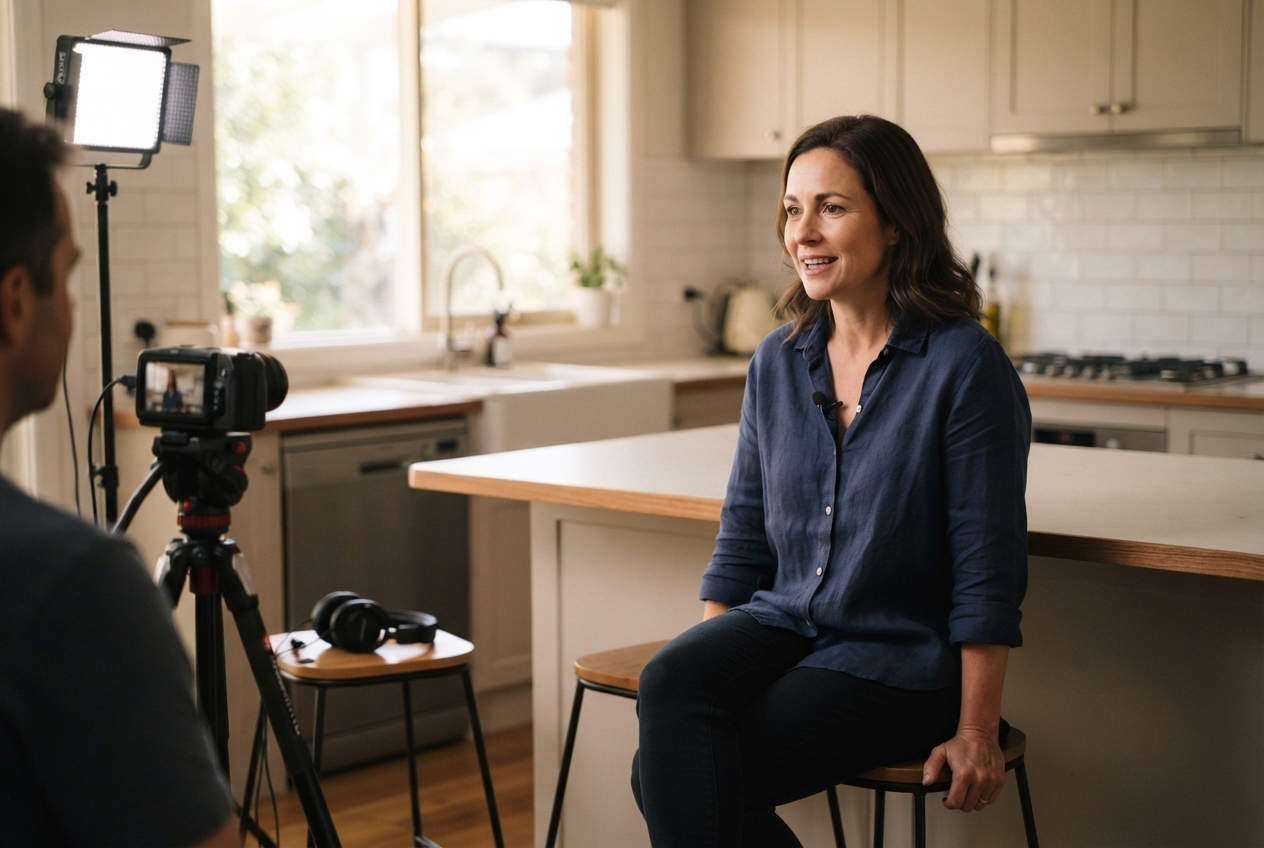

Rather we just do it for you?
We bring the ideas, direction and production. You keep doing great work.