
How to Repurpose Video Content for Social Media
Turn one shoot into weeks of content. How to cut, reformat and post your videos across every platform.

You've spent time and money on a good video. Then it gets posted once and forgotten.
That's a waste. One solid shoot can become weeks of content across every platform you use. Here's how to get the most out of every minute of footage.
What Each Platform Wants
Square (1:1) or vertical (4:5) in the feed, 9:16 for Reels and Stories. Captions are essential. Works well for project showcases and local community content.
Vertical 9:16 for Reels and Stories. Strong visuals, a great cover image and a hook in the first second. Your grid is also a portfolio, so keep it looking sharp.
TikTok
Vertical, fast and personal. Less polish, more personality. Behind the scenes and quick tips do well here.
Square or horizontal works fine. Project case studies, team stories and industry insight. Slightly longer is okay.
YouTube
Horizontal 16:9 for full-length videos, vertical for Shorts. Great for longer showcases and how-tos that people search for.
Plan Your Repurposing
Step 1: Audit What You Have
Go through your existing footage. Brand films, testimonials, project videos, raw clips. Note the best moments, quotes and shots in each.
Step 2: Set Goals
What should the repurposed content do? Drive enquiries, build trust, support an ad campaign or help with hiring? Let that decide which clips you pull.
Step 3: Match Topics to Each Audience
A testimonial clip might suit Facebook homeowners. A behind-the-scenes cut might suit TikTok. A project overview might suit LinkedIn. Same footage, different angle.
Step 4: Organise and Schedule
Keep clips in clearly named folders by project and topic. Then map them into a video content calendar so they go out steadily, not all at once.
Practical Ways to Repurpose
Cut Long Videos Into Short Clips
A two-minute brand film can easily become five to ten short clips. Pull out single ideas: a quote, a before and after, a tip, a moment of craftsmanship.
Make Teasers
Cut a 10 to 15 second trailer that points to the full video on your website or YouTube. It drives traffic and gets more value from the hero piece.
Pull Out the Audio
Interviews and talks can become short audio clips or podcast segments. Good for people who listen on the go.
Turn Moments Into Stills and Graphics
Grab strong frames as images for posts, website headers or proposals. Pair a client quote with a still for an easy testimonial graphic.
Add Captions and Platform Styling
Reframe for each format. Add captions, and adjust the text style and length to suit each platform.
Tools That Make It Easier
Editing Tools for Small Teams
CapCut, Adobe Premiere Rush and DaVinci Resolve all handle quick cuts and reformatting. Many have auto-reframe features that track the subject when you switch to vertical.
Captioning and Accessibility
Most editors now generate captions automatically. Always check them. Auto-captions get trade terms wrong all the time.
Scheduling Tools
Meta Business Suite, Later or Buffer let you schedule posts in advance across platforms, so you can batch the work in one sitting.
Get More Engagement From Repurposed Clips
Write Platform-Specific Captions
Don't copy and paste the same caption everywhere. Write for the platform and the audience, and include searchable keywords.
Use Clear Calls to Action
Tell people what to do next. Watch the full video, see the project, get a quote.
Keep Branding Consistent
Same fonts, colours and caption style across every clip. People should recognise your content before they see your name.
Schedule Smart and Watch the Data
Space clips out over weeks. Keep an eye on what performs, and cut more like it next time. The metrics guide covers what to watch.
Film Once, Use Everywhere
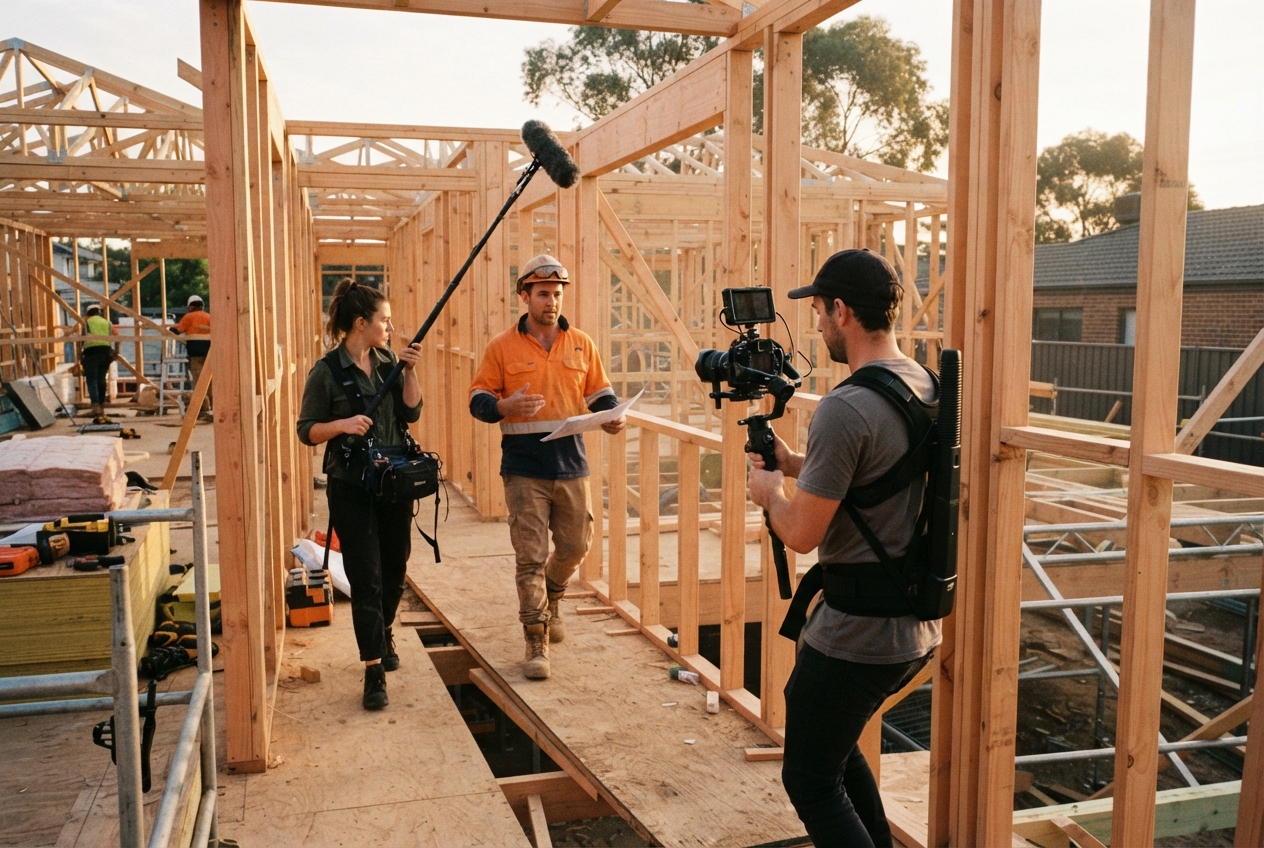
The smartest way to approach video is to plan for repurposing before you film. When we shoot, we capture vertical and horizontal, long and short, so one day on site feeds your website, socials and ads for weeks.
That's how our ongoing video content works. Want to get more from your footage? Book a discovery call.
Want us to find the stories for you?
We bring the ideas, direction and production. You keep doing great work.
Keep reading.
All resources

Rather we just do it for you?
We bring the ideas, direction and production. You keep doing great work.