
How to Film Professional Videos With a Smartphone
You don't need a film crew to make good videos. Settings, lighting, sound, framing and editing tips to get pro-looking results from your phone.
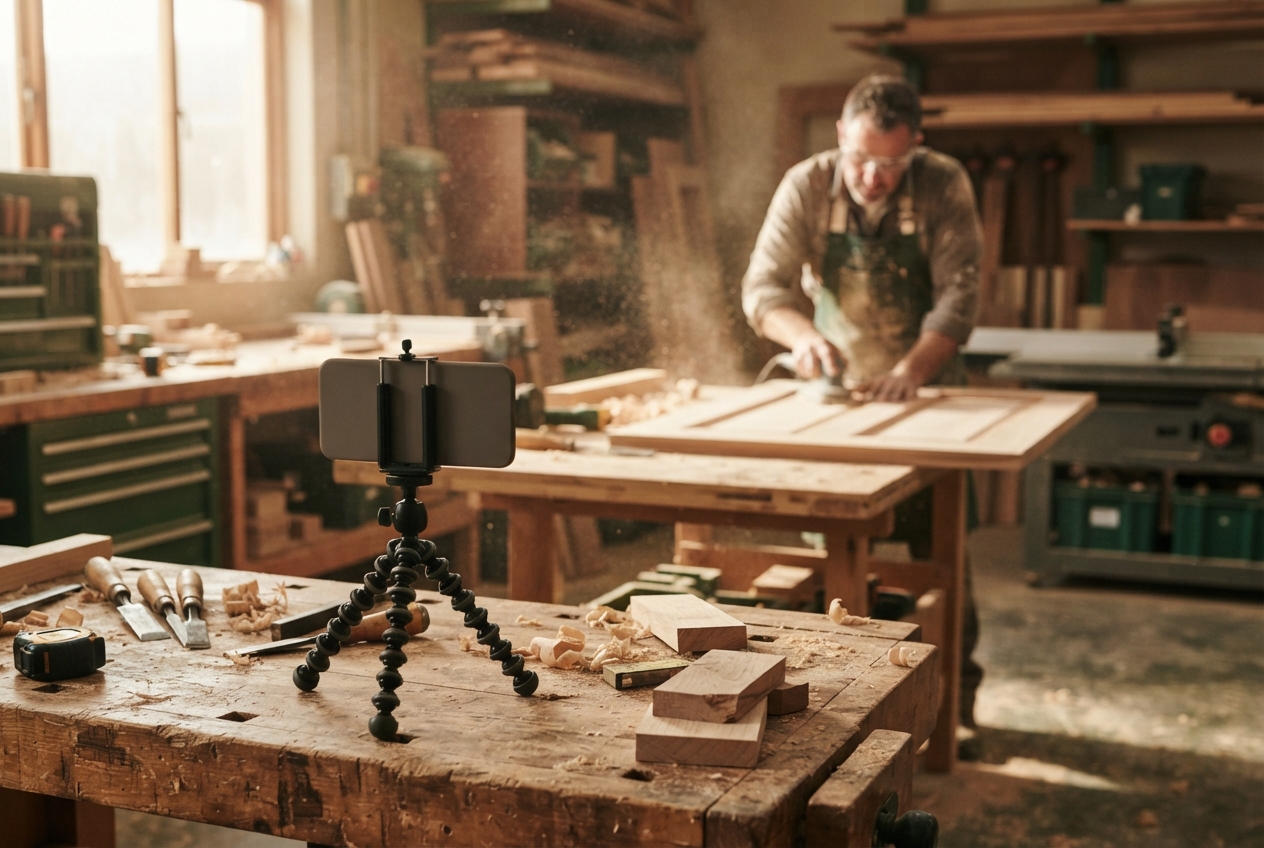
The phone in your pocket is a better camera than most professional gear from ten years ago. It's more than enough to make videos that look sharp and win you work.
What makes the difference isn't the phone. It's the planning, the light, the sound and how you frame the shot. Here's how to get it right.
Know Your Goal and Your Audience
Give Each Video a Clear Purpose
Is it a project showcase, a quick tip, a team intro or a testimonial? Know what you want people to think, feel or do after watching.
Know Who You're Talking To
Homeowners, developers, architects or future staff. Picture one person and make the video for them.
Match Your Approach to the Goal
A quick social tip can be raw and handheld. A website showcase deserves more planning, a tripod and careful lighting.
Plan Before You Film
Script It So It Sounds Natural
Write bullet points, not paragraphs. Say them out loud. If it sounds like you're reading, simplify it.
Plan Your Shots
Jot down a quick shot list: a wide establishing shot, a few close-up details, the person talking, the finished result. Covering these gives you plenty to edit with.
Schedule, Location and Props
Film when the light is good and the site is quiet. Clean up the background. Have tools, materials or finished work ready to show.
Set Up Your Phone
Resolution and Frame Rate
- 4K at 30fps: a great default for most videos.
- 1080p at 60fps: good for action and smooth slow motion.
- 25fps: worth using in Australia if you notice lights flickering on camera.
Check you have enough storage space before you start.
Lock Focus and Exposure
On most phones, press and hold on the subject to lock focus and exposure. This stops the image pulsing brighter and darker as things move. Slide down slightly to avoid blown-out highlights.
Useful Features
- Grid lines: for straight horizons and better framing.
- Stabilisation: on, but still keep it steady.
- Airplane mode: so a phone call doesn't wreck a take.
- Main lens: the main (1x) lens usually gives the best quality. Avoid digital zoom.
Lighting and Sound
Simple Lighting Options
A small LED panel or ring light helps indoors, especially in darker rooms. Place it slightly to the side of the camera, not straight on.
Use Natural Light Well
Face your subject toward a window or open sky. Avoid filming with a bright window behind them. Outdoors, early morning and late afternoon are softer and more flattering than midday.
Get Clear Audio
Sound is where most phone videos fall down. Use a clip-on mic if you can. If not, get close, find a quiet spot and keep the phone near the speaker. More in our guide to getting better audio.
Frame and Film Your Shots
Framing That Looks Good
Use the rule of thirds: place the person's eyes on the top third line. Leave a little space above their head. Keep the background tidy and relevant.
Composition That Fits Your Brand
Show your work in the background. Your ute, your signage, a finished project. It quietly tells people who you are.
Angles, Movement and Stabilisation
- Film at eye level for people. Try low angles for buildings and big structures.
- Move slowly and with purpose. Quick, shaky pans are hard to watch.
- Use a tripod or a gimbal. A cheap tripod makes a huge difference.
- Get lots of close-ups: hands, tools, textures, details.
Edit Like a Pro
Pick an App That Suits You
CapCut, iMovie and Adobe Premiere Rush are all good for phone editing. DaVinci Resolve if you want to edit on a computer.
Basic Edits That Make the Message Clear
Cut the start and end of each clip. Remove pauses and repeats. Get to the point fast. Mix wide shots with close-ups to keep it interesting.
Colour, Captions and Branding
A small colour tweak goes a long way. Add captions for viewers watching on mute. Use your brand colours and fonts consistently, and keep logos subtle.
Publish and Promote
Use the Right Format for Each Platform
Vertical 9:16 for Reels, TikTok, Shorts and Stories. Horizontal 16:9 for YouTube and your website. Our guide to repurposing video for social covers how to get both from one shoot.
Titles and Descriptions That Help People Find You
Use the words your customers search for. "Bathroom renovation in Perth" beats "Another great job". Add your location and service in the caption or description.
Captions, Hashtags and Scheduling
Captions on, a handful of relevant hashtags and a consistent posting rhythm. A video content calendar keeps you on track.
Start With What's in Your Pocket
Pick one job this week, plan five shots and film them properly. You'll be surprised how professional it looks.
And when you're ready for brand films, testimonials and content that really lifts your business, that's where we come in. See our video and social content services, or book a discovery call.
Want us to find the stories for you?
We bring the ideas, direction and production. You keep doing great work.
Keep reading.
All resources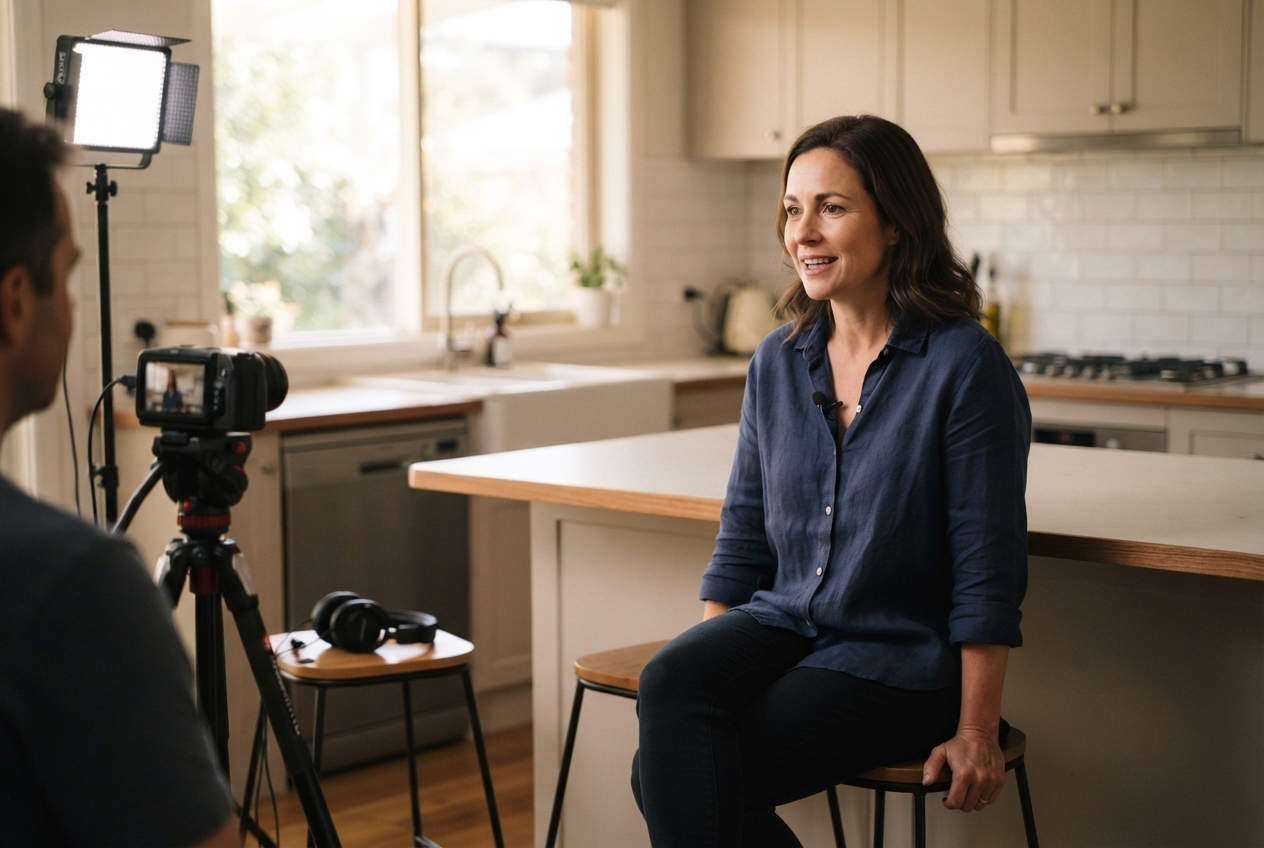

Rather we just do it for you?
We bring the ideas, direction and production. You keep doing great work.