
Video Content Ideas for Businesses: What to Film and How
Six video ideas you can film this month, plus how to plan, shoot and post them on a realistic budget.

The hardest part of video isn't the filming. It's knowing what to film.
Here's the good news: if you run a business doing real work, you're surrounded by content. You just need a way to spot it, plan it and get it out the door.
Start With Your Goal and Your Audience
Pick a Clear Objective
Every video should have a reason to exist. Are you trying to get more enquiries, build trust, explain a service or hire staff? Decide that first. It shapes everything else.
Know Who You're Talking To
An Australian homeowner planning a renovation wants different things to a commercial developer or a 19-year-old looking for an apprenticeship. Write down who you're speaking to, what they care about and what they're worried about.
Six Video Ideas You Can Film This Month
1. Service Walk-Throughs
Walk people through what you do and what they get. A finished kitchen, a fit-out, a new deck. Show the details that make your work better.
2. Behind the Scenes
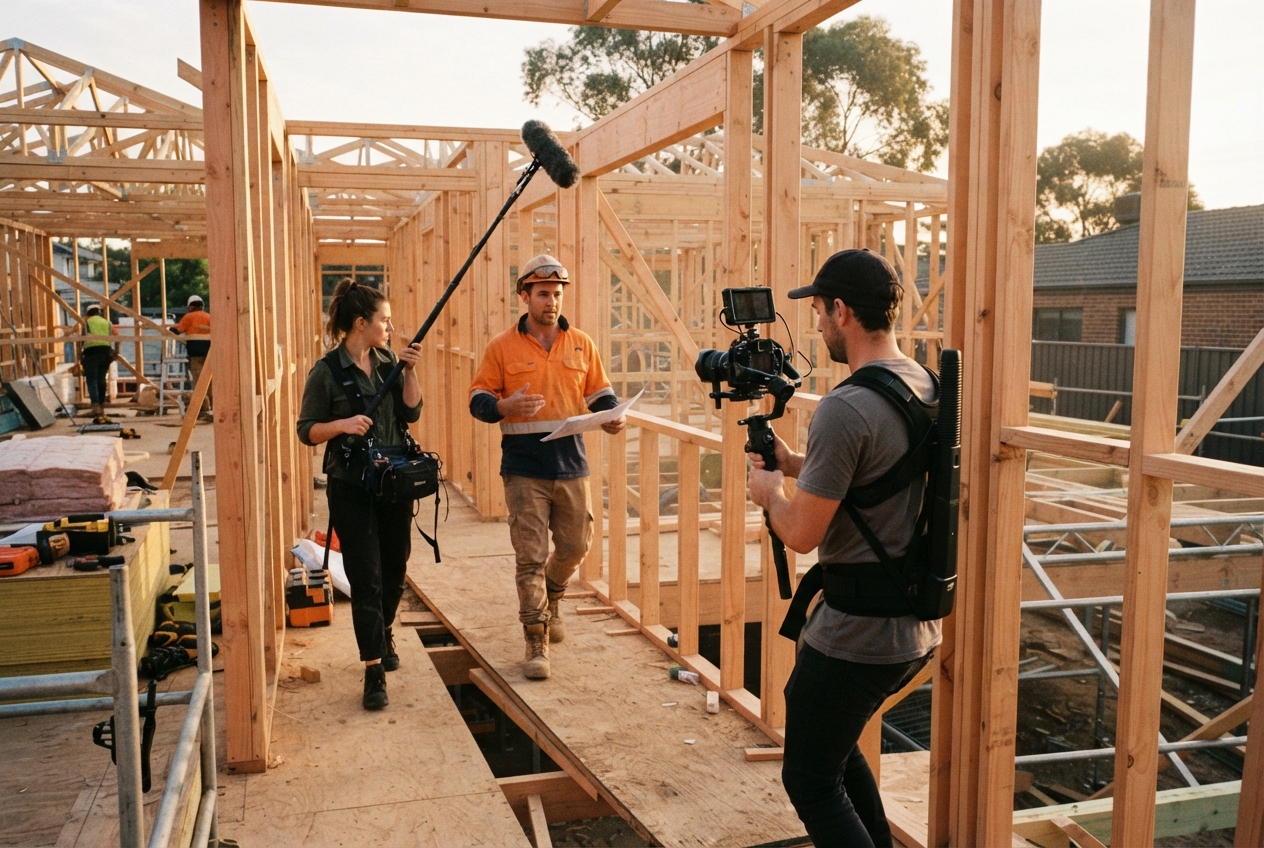
Show the process. Site setup, the tricky bit, the clean-up. People love seeing how things are made, and it proves you do things properly.
3. Quick Tips and "Show Me" Videos
Share what you know. How to choose the right material. What to check before signing a quote. Three mistakes people make. Useful content builds trust fast.
4. Answers to Customer Questions
Every question you hear more than twice is a video. Pricing, timelines, approvals, what happens on day one. Answer it once on camera and use it forever.
5. Team and Culture Snapshots
Introduce the people who turn up on site. A quick intro, a day in the life, an apprentice milestone. Customers hire people, not logos.
6. Project Highlights and Milestones
Handovers, before and afters, a big pour, a crane lift, an award. These are moments worth capturing as they happen.
Want more? We've got a guide to corporate video types for bigger pieces too.
Planning and Producing on a Budget
Use a Simple Worksheet
For each idea, jot down: the goal, the audience, the key message, where you'll film, who's on camera and where it'll be posted. Five minutes of planning saves an hour of fixing.
Write for Speaking, Not Reading
Use short sentences and everyday words. Bullet points work better than a full script. People sound more natural when they're talking, not reading.
Shoot With What You Have
- A recent smartphone is plenty to start. See our guide to filming professional videos on a phone.
- Get the sound right with a cheap clip-on mic. More on that in how to get better audio.
- Face the light. Keep the phone steady.
Edit for Clarity
Cut the waffle. Get to the point in the first few seconds. Add captions. Clever transitions don't matter if the message is muddy.
Make It Work on Social
Format for the Platform
Vertical for Reels, TikTok and Stories. Horizontal or square for YouTube, LinkedIn and your website. Shoot with both in mind if you can.
Caption Everything
Most people scroll with the sound off. Burned-in captions keep them watching.
Get the Length and Rhythm Right
Short-form works best at 15 to 45 seconds. Post regularly rather than in bursts. A video content calendar makes that much easier.
Post With Intent
Every post should have a clear caption and next step. Then watch how it performs. More on that in our short-form video tips.
Measure, Learn and Improve
Track a Few Key Numbers
- Watch time and completion rate
- Shares and saves
- Profile visits and website clicks
- Enquiries that mention a video
Ask Simple Questions
Which videos held attention? Which got people talking? Which led to enquiries? Do more of those.
Turn Feedback Into Ideas
Comments and DMs are a free ideas list. If people ask a question under a video, the answer is your next video.
Change One Thing at a Time
Test a new hook, a different length or a new posting time. Change one variable so you know what made the difference.
Pick One Idea and Film It This Week
Don't wait for the perfect plan. Choose one idea from this list, film it on your next job and post it. Then do it again.
If you'd rather someone else handled the ideas, filming and editing, that's what our social media video service is for. Get in touch and let's talk.
Want us to find the stories for you?
We bring the ideas, direction and production. You keep doing great work.
Keep reading.
All resources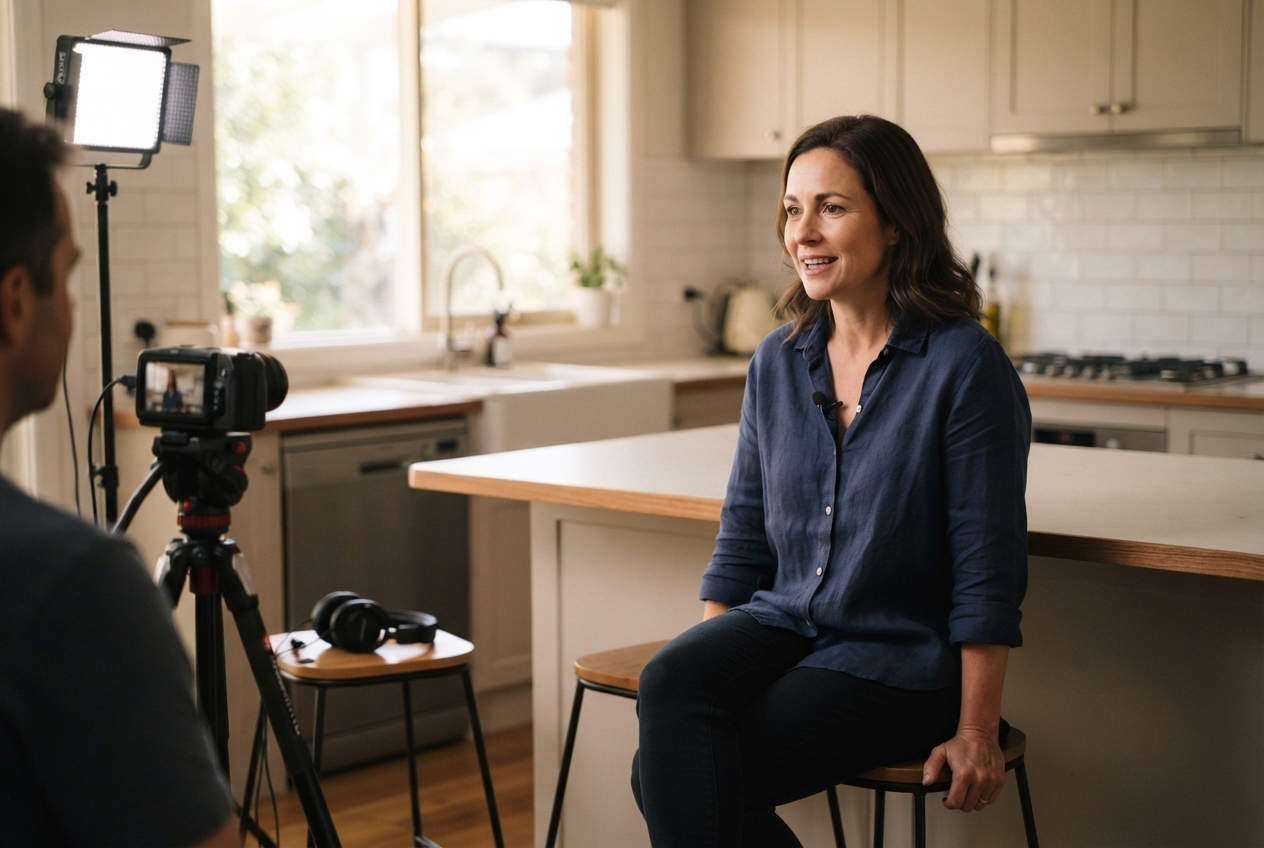

Rather we just do it for you?
We bring the ideas, direction and production. You keep doing great work.